
The purpose of this job aid is to show employees and managers how to view the security roles they or their employees are currently assigned.
View Assigned Security Roles
Last updated on December 11, 2025
Page Loading...Checking SSO..

Getting Started
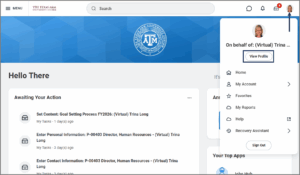
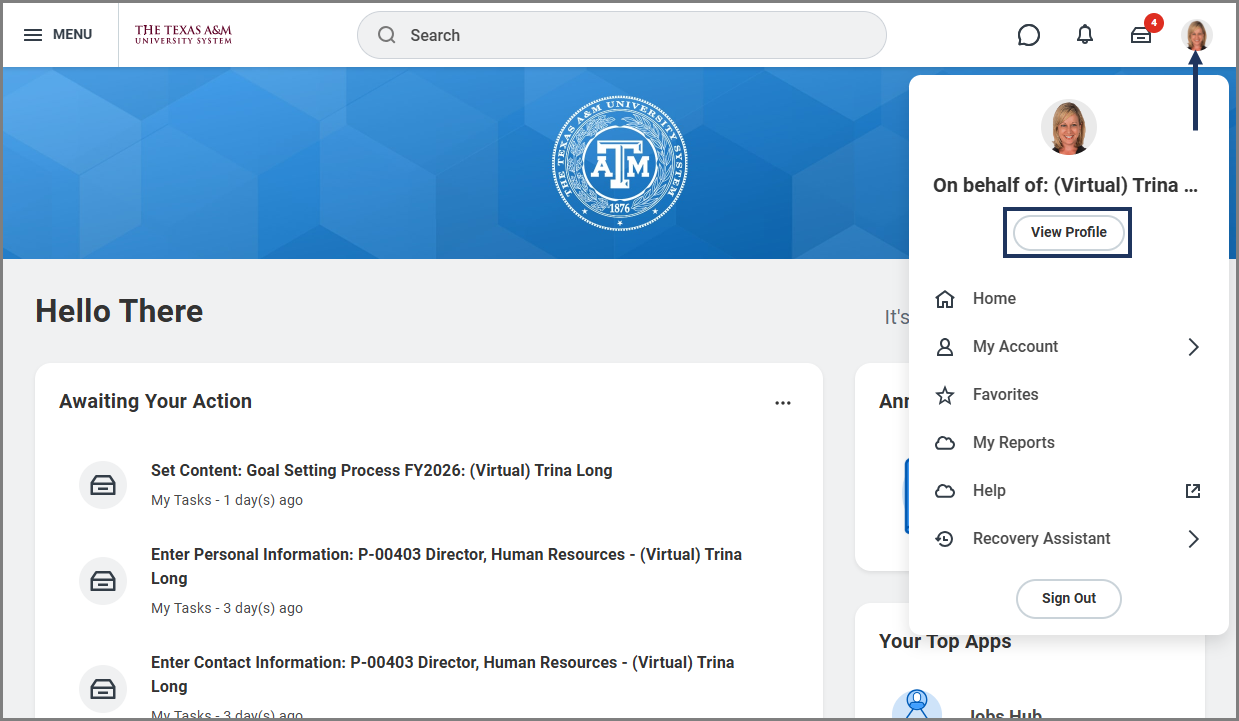
- Navigate to your Worker Profile or the Worker Profile of an employee you manage.
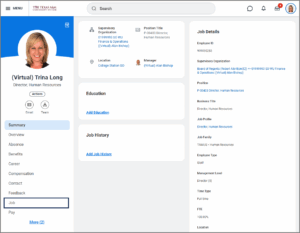
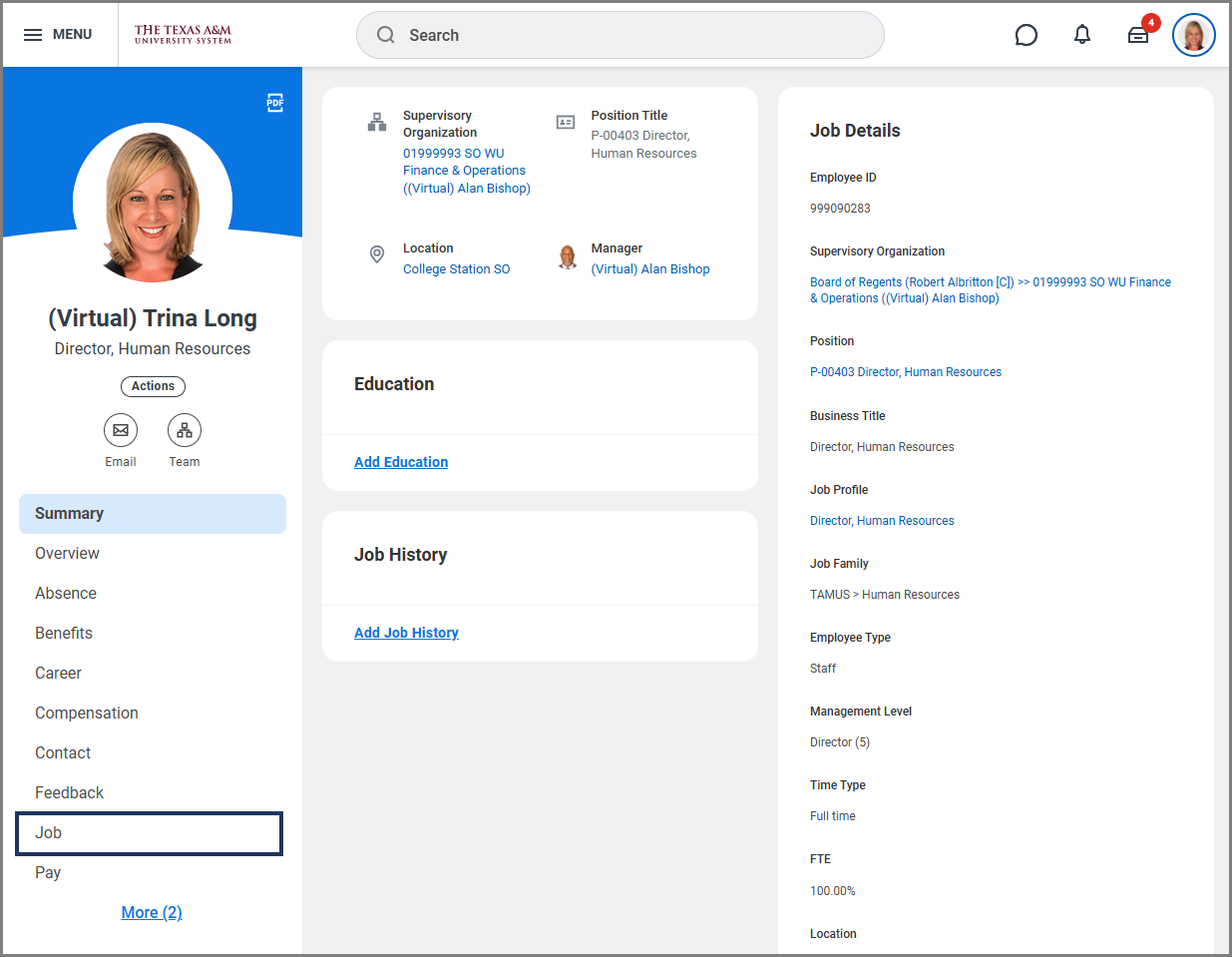
- Select Job from the navigation menu.
- On the Job page navigation menu at the end, select More then Assigned Security Roles.

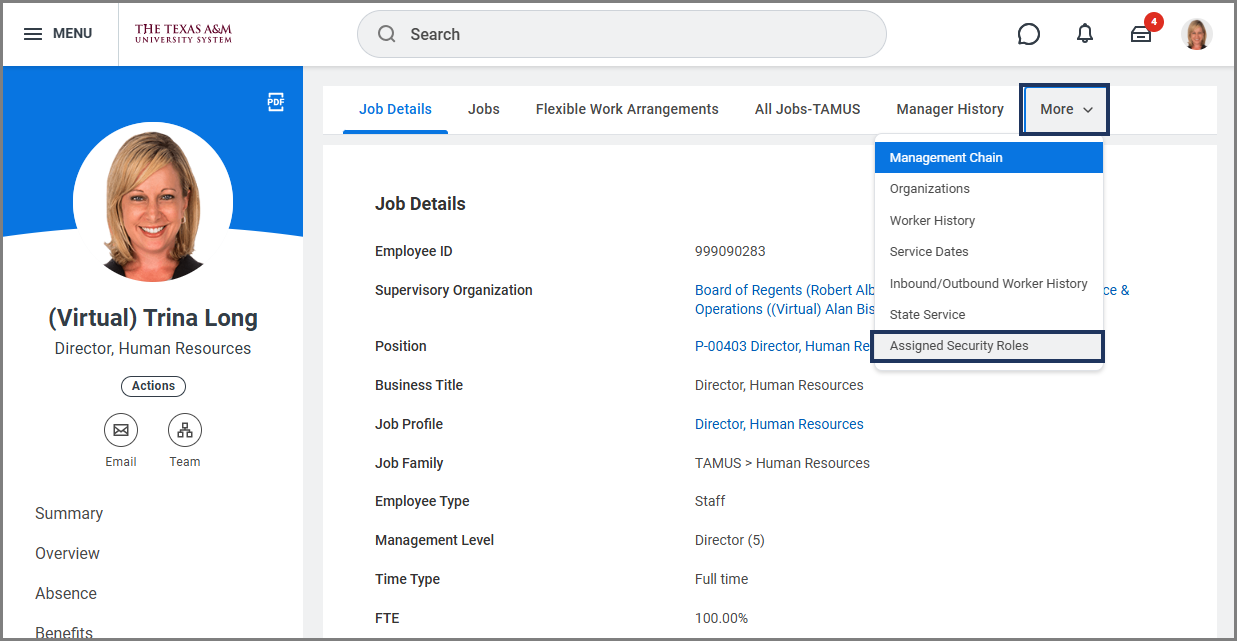
You will see all of the Security Roles that are currently assigned.
Note: If you would like to know more about what each security role can do in Workday, you can review the information found on the Security Roles page on Workday Help.
This completes the process to View Assigned Security Roles.