
This job aid outlines the activities for a Manager to complete a Talent Review in Workday for an Employee by reviewing their talent attributes and accessing their potential.
Complete Talent Review (Manager)
Last updated on November 30, 2023
Page Loading...
Checking SSO...
Prerequisites
The Talent Review event must be launched for the member by a Talent Partner.
Important Information
Workday Services suggest as best practice, gathering any documentation that will be used to support the Talent Review prior to starting the review.
Getting Started
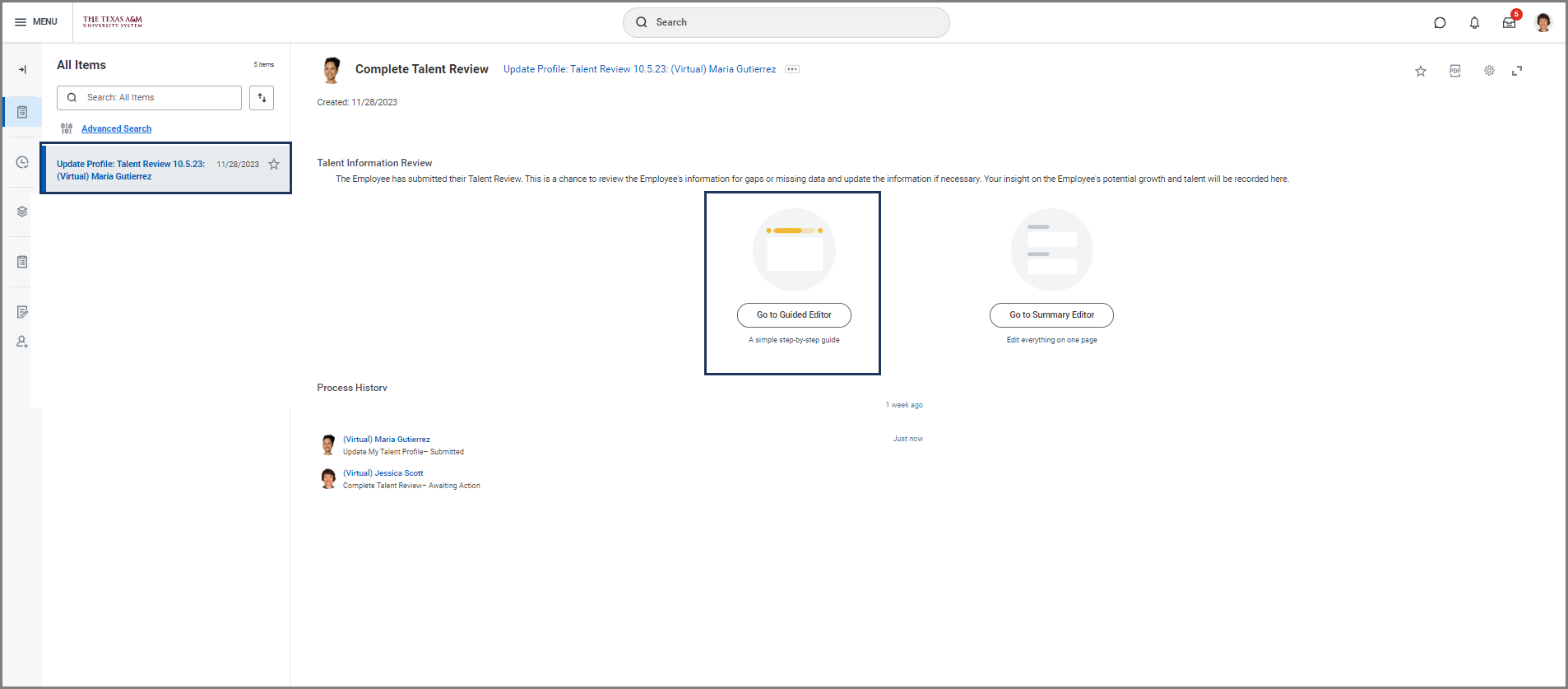
- Navigate to your inbox and select the Update Profile: Talent Review inbox task to complete the Talent Review for your Employee.
- Select the Go to Guided Editor option to. This will allow you to walk through each section of the Employee’s Talent Profile.
Review Talent Attributes
The Guided Editor will allow you to examine the Employee’s Talent Profile information. You cannot make changes to the Talent Attributes sections. You will need to review the information for 15 different Talent Attributes. The review steps will begin with the Employee’s Work Experience and end with the Talent and Performance Details.
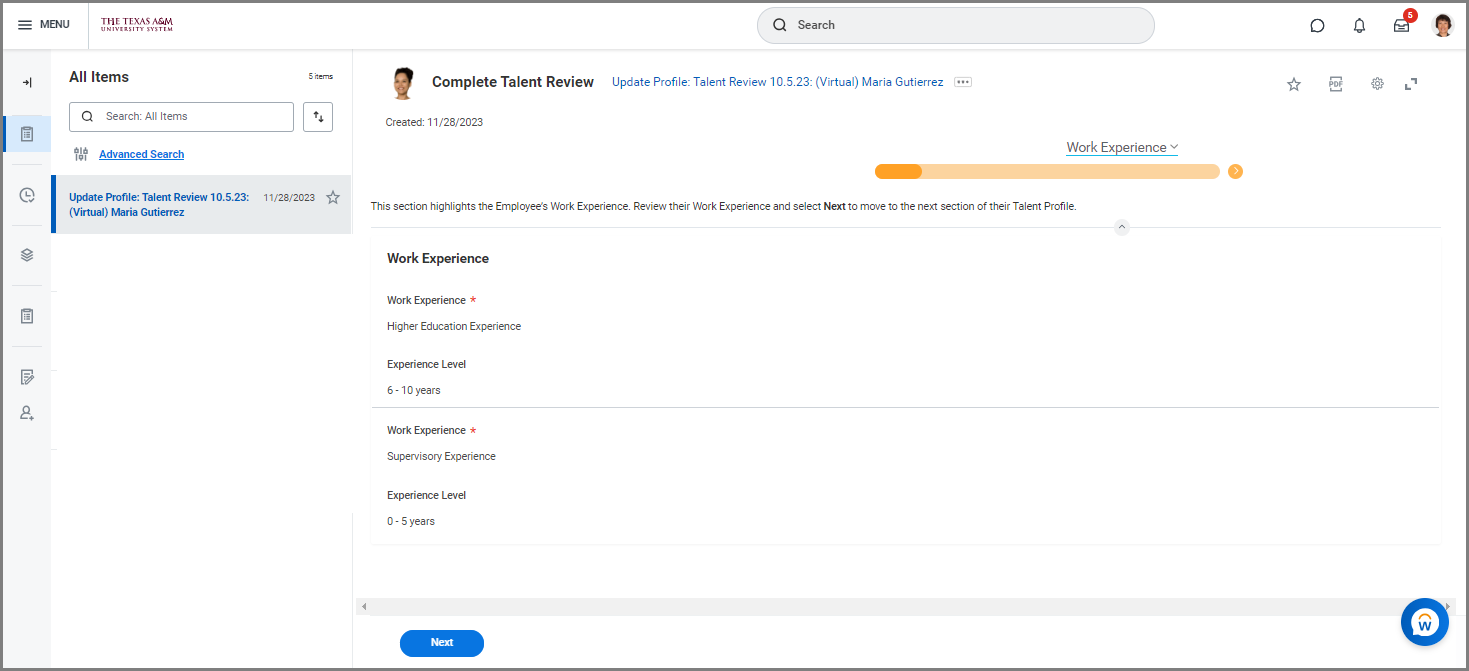
Select Next to go the Talent Summary page.
Talent Summary
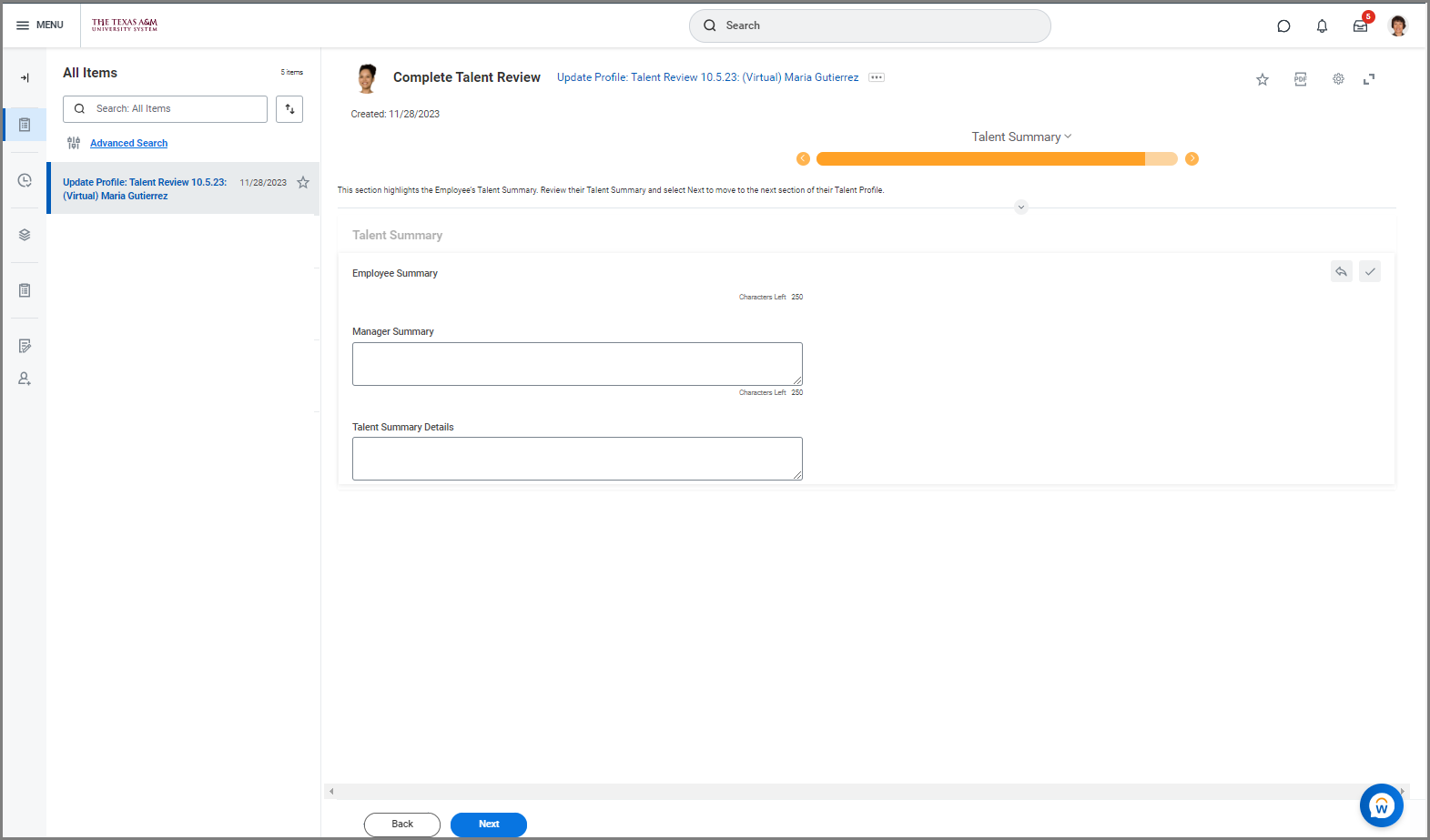
In the Talent Summary section, consider the Employee’s accomplishments in the last 12 months, key strengths, and particularly the unique value they bring to the organization.
- Enter the key strengths the Employee has developed in the last 12 months in the Manager Summary section.
- Navigate to the Talent Summary Details field and enter the Employee’s accomplishments from the last 12 months.
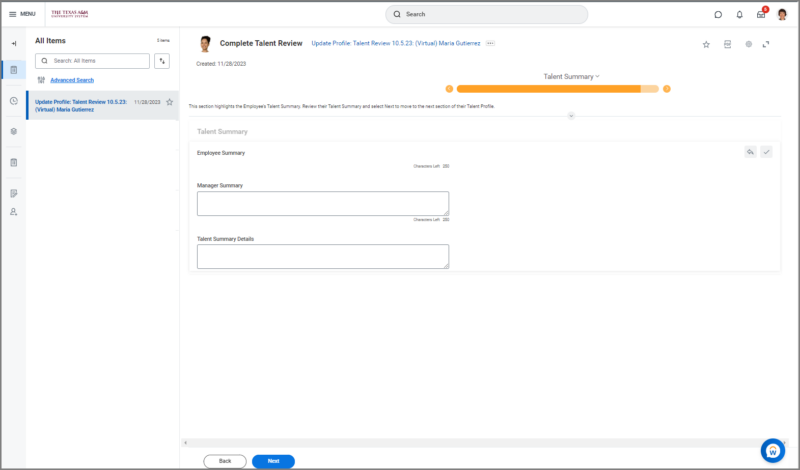
- Select Next to go the Employee Potential page.
Assess Employee Potential
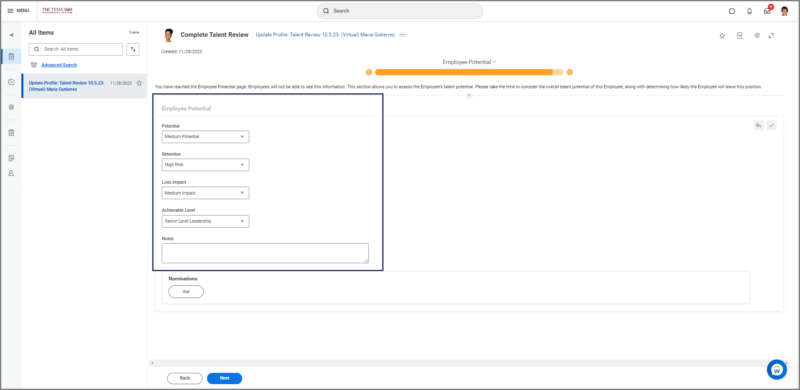
The Employee Potential page is a section that allows you to assess the Employee’s growth potential.
- Enter the information for the following fields
- Potential. Select the Low, Medium or High to rate the Employee’s potential.
- Retention. Determine your ability to retain the Employee based on their Potential rating. Select whether the risk of the Employee leaving is rated Low, Medium or High.
- Loss Impact. Consider how the loss of this Employee will impact your department or the organization. Select whether it would be a Low, Medium or High impact loss.
- Achievable Level. Select the potential supervisory level you think the Employee is able to reach.
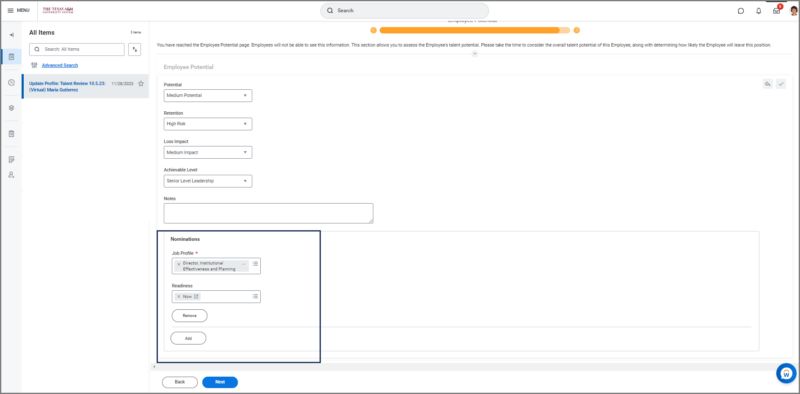
- Navigate to the Nominations section on the Employee Potential and select a Job Profile and the Employee’s Readiness for the position selected.

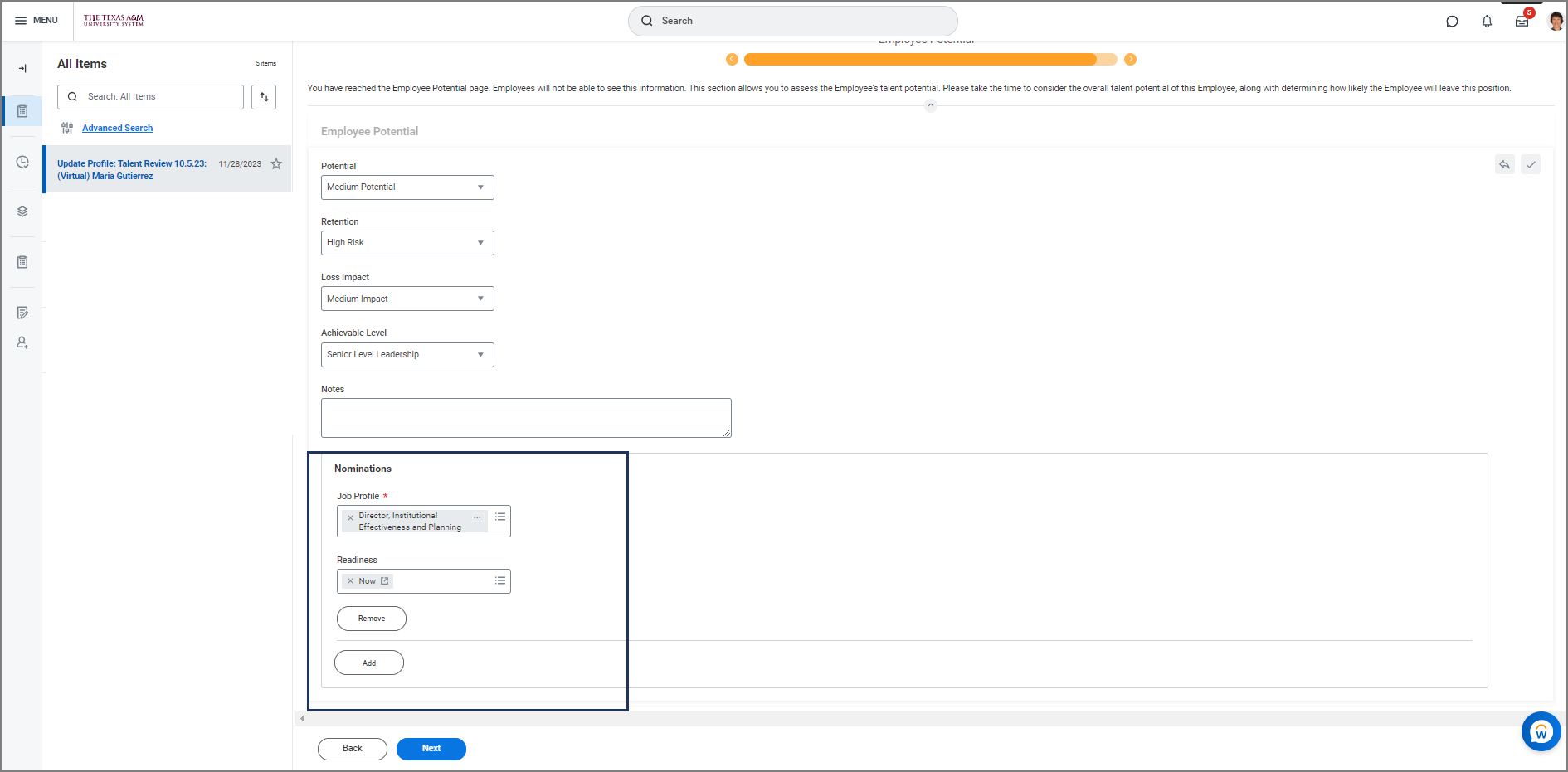
Note: The Employee will not be able to see this information.
- Select Next to go the Talent Profile Summary page.
Talent Summary Profile
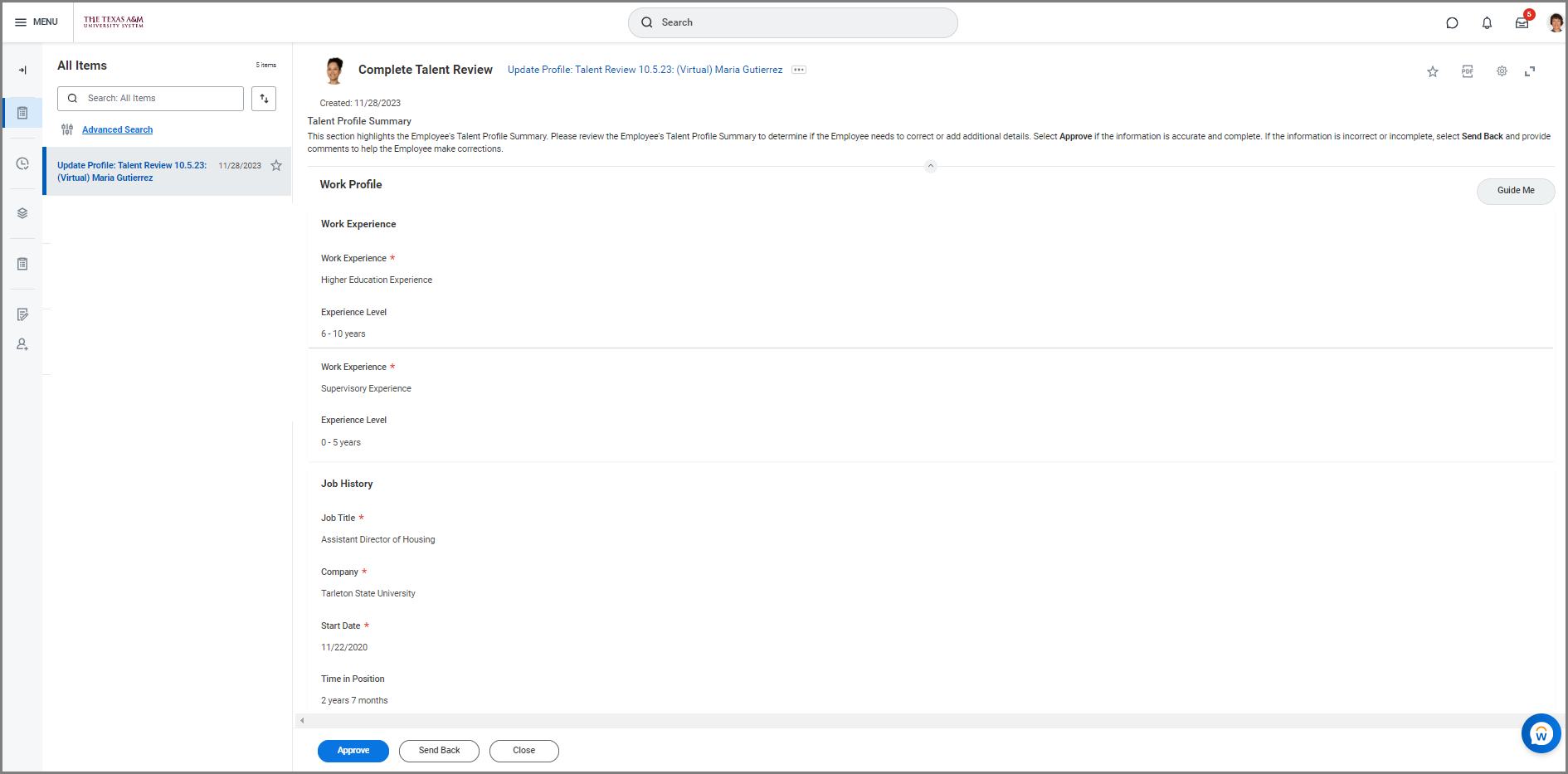
The Talent Profile Summary page gives you a chance to do a final review of the information for the Employee’s Talent Review.
- Review the Employee’s Talent Profile Information and select Approve or Send Back.
This completes the Complete Talent Review( (Manager) business process.