
Section Management
The Section Management screen provides information about a selected course section and allows you to perform tasks such as sending announcements to students and making course files available for download.
You will need to work with the TrainTraq Departmental Registrar who assigned you as the course instructor to determine who is responsible for sending announcements and making course files available to students.
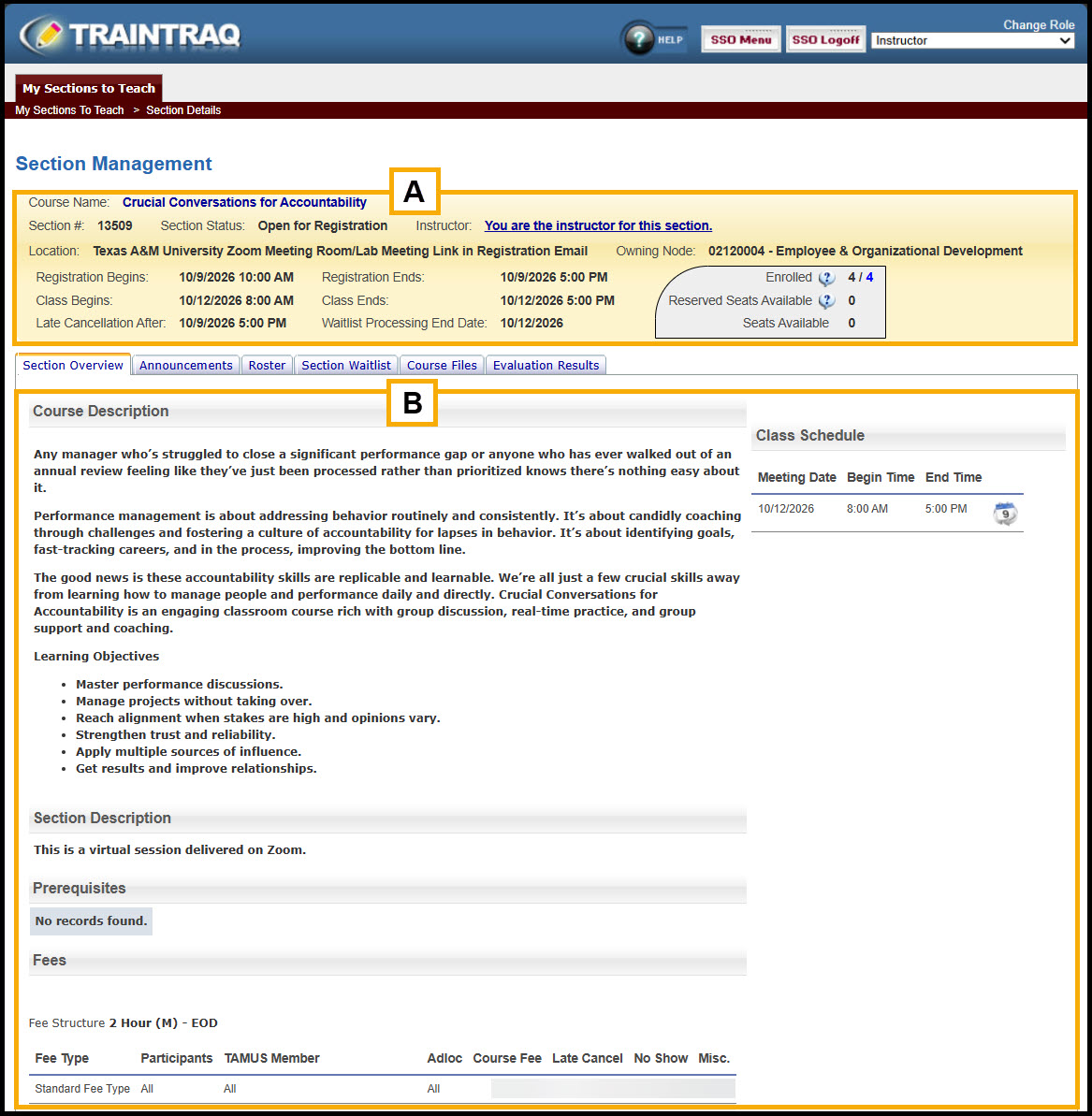
The Section Management screen consists of two main sections:
- The top section of the screen provides information about the selected section.
- The bottom section of the screen contains several sub-tabs used to view and manage section information. The screen defaults to the Section Overview tab, which includes the course description and other section details.